- The Library Shop
- Privacy Policy
- Rules and Regulations
- Using the Internet
- Website Terms and Conditions
- Gifts of Materials to NYPL
-
© The New York Public Library, 2024
The New York Public Library is a 501(c)(3) | EIN 13-1887440
Explore 876,398 items digitized from The New York Public Library's collections.
This site is a living database with new materials added every day, featuring prints, photographs, maps, manuscripts, streaming video, and more.
Our collections include some content that may be harmful or difficult to view. Learn more
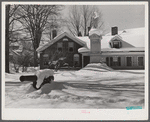
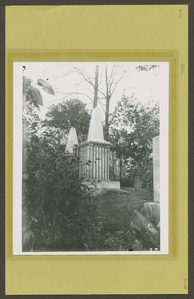
Monument on village green. Woodstock, Vermont
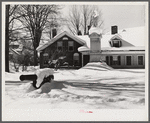
Monument on village green. Woodstock, Vermont
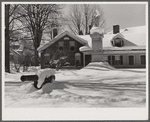
Monument on village green. Woodstock, Vermont
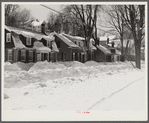
Main street. Woodstock, Vermont
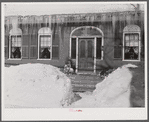
One of oldest houses in Woodstock, Vermont
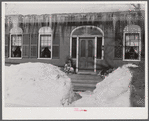
One of oldest houses in Woodstock, Vermont
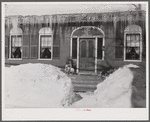
One of oldest houses in Woodstock, Vermont
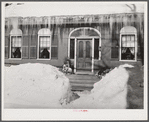
One of oldest houses in Woodstock, Vermont
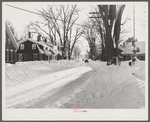
Street in Woodstock, Vermont
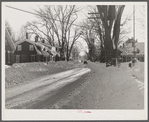
Street in Woodstock, Vermont
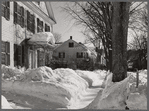
Street in Woodstock, Vermont. One of the oldest towns in New England. Woodstock, Vermont
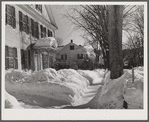
Street in Woodstock, Vermont. One of the oldest towns in New England. Woodstock, Vermont
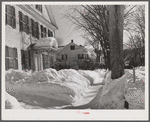
Street in Woodstock, Vermont. One of the oldest towns in New England. Woodstock, Vermont
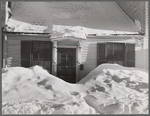
House in Woodstock, Vermont with drifts piled in front of windows and door
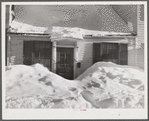
House in Woodstock, Vermont with drifts piled in front of windows and door
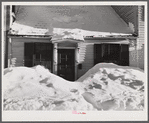
House in Woodstock, Vermont with drifts piled in front of windows and door
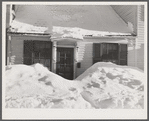
House in Woodstock, Vermont with drifts piled in front of windows and door
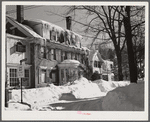
Street in Woodstock, Vermont. One of the oldest towns in New England. Woodstock, Vermont
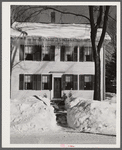
Street in Woodstock, Vermont. One of the oldest towns in New England. Woodstock, Vermont
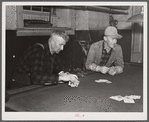
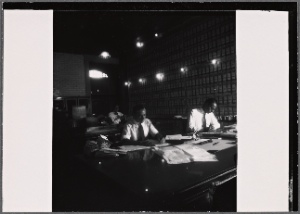
Farmers playing cards in pool room in town on a winter morning in Woodstock, Vermont
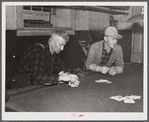
Farmers playing cards in pool room in town on a winter morning in Woodstock, Vermont
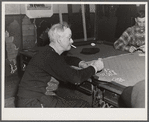
Proprietor of pool room and one of the townspeople playing cards on a winter morning. Woodstock, Vermont
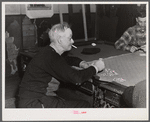
Proprietor of pool room and one of the townspeople playing cards on a winter morning. Woodstock, Vermont
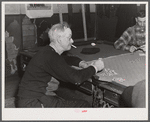
Proprietor of pool room and one of the townspeople playing cards on a winter morning. Woodstock, Vermont
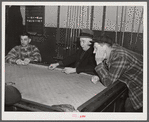
Farmers playing cards in pool room in town on a winter morning. Woodstock, Vermont




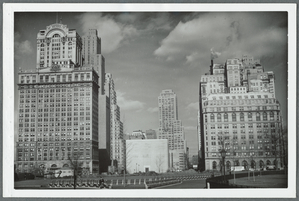

The New York Public Library recently enhanced access to all public domain items in Digital Collections so that everyone has the freedom to enjoy and reuse these materials in almost limitless ways.

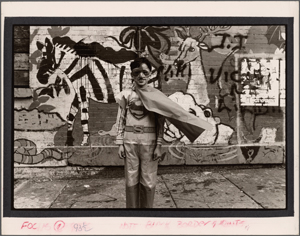
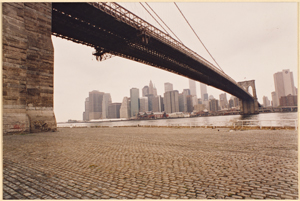
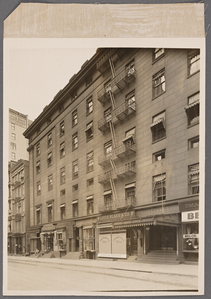
Decorative prints for purchase: choose from archival prints framed art stretched canvas vintage wood and wall murals.














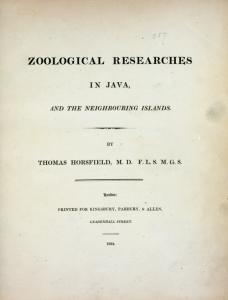
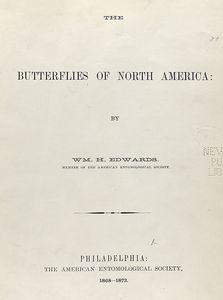
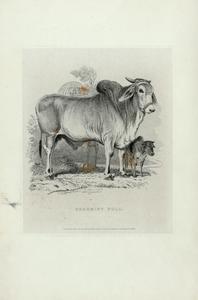
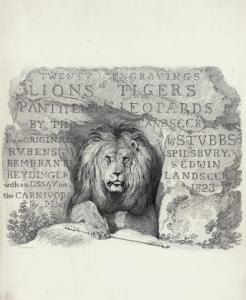


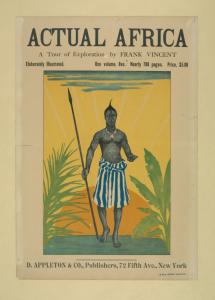
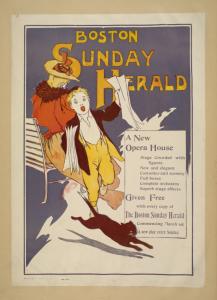
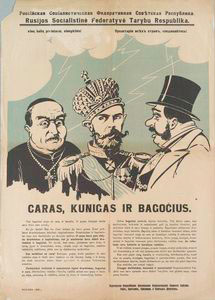
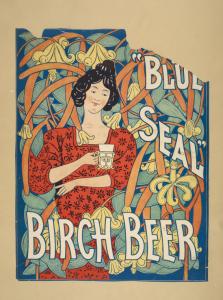
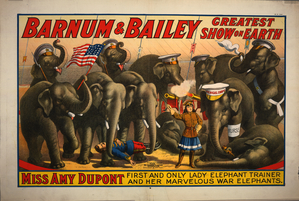
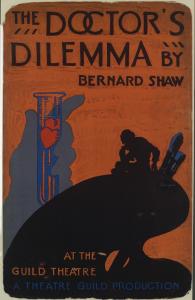
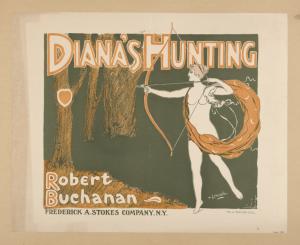
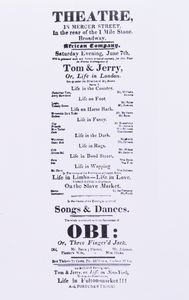

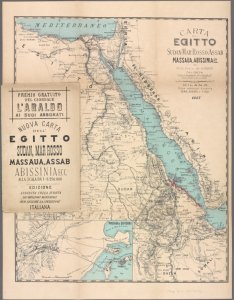

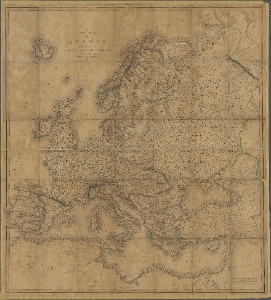
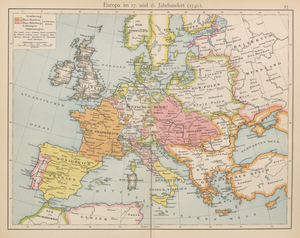
![Printed maps of Russia and neighboring lands, including city plans of Saint Petersburg, from the 17th to the early20th century].](https://images.nypl.org/index.php?id=2003589&t=r)
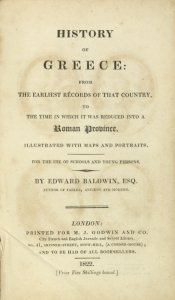
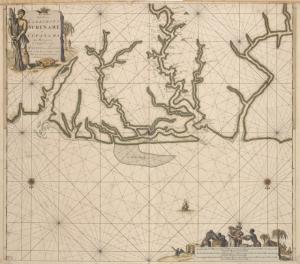



Here are some other ways you can access and engage with digital content at NYPL and beyond

Decorative prints for purchase: choose from archival prints, framed art, stretched canvas, vintage wood, and wall murals.

Contains finding aids for over 10,000 unique collections (digitized and non-digitized) in almost every conceivable format.

The online catalog of The Miriam and Ira D. Wallach Division of Art, Prints and Photographs.

The Library's digitized collections are available as machine-readable data: over 1 million objects and records for you to search, crawl and compute.

Brings together the riches of America's libraries, archives, and museums, and makes them freely available to the world.

Browse and download NYPL's digital maps, and align historic maps with the geography of today.

A tool where you can help unlock New York City's past by identifying buildings and other details on beautiful old maps.

A tool for creating and sharing 3D images from stereograph collections.

A tool for transcribing historical restaurant menus.

An initiative underway at NYPL branch libraries that aims to document, preserve, and celebrate the rich history of the New York's unique neighborhoods.

Help reconstruct theater history by transcribing old New York City playbills.

Fashion Drawings & Sketches in the Collections of FIT and the New York Public Library.

A partnership of academic & research institutions, offering a collection of millions of titles digitized from libraries around the world.